How to check the battery health of a used smartphone: expert advice
Buying a used smartphone requires a thorough check of its technical condition, especially the battery, which is the most vulnerable component of the device.
 💡Tech
Photo: UNIAN
Key points
- Visual inspection of the housing for signs of tampering
- Checking service history in OS settings
- Risks of using non-original batteries
Purchasing a used or refurbished smartphone is a popular way to save money, but such a choice carries certain risks. The most significant problem is often a worn-out battery, which directly affects the device's stability and battery life.
What to look for during inspection
Before handing over money to the seller, it is worth performing a visual inspection of the housing. Even if the seller claims the device has never been disassembled, pay attention to how tightly the display fits the frame and the condition of the screws. Screwdriver marks or uneven gaps may indicate unqualified repairs or the replacement of the battery with a non-original counterpart.
Software diagnostics and service history
Modern smartphones have built-in tools for checking component status. For example, iPhone users can check the "Parts and Service History" section in settings to see if any parts have been replaced. Similar diagnostic functions are available on Samsung and Google Pixel smartphones.
- Always ask the seller for service documentation.
- Avoid devices with cheap, non-original batteries.
- Check the remaining capacity through the smartphone's system settings.
Source UNIAN — unian.ua/techno/gadgets/yak-pereviriti-akumulyator-u-vzhivanomu-tel… ↗
Read next
 🏙️City
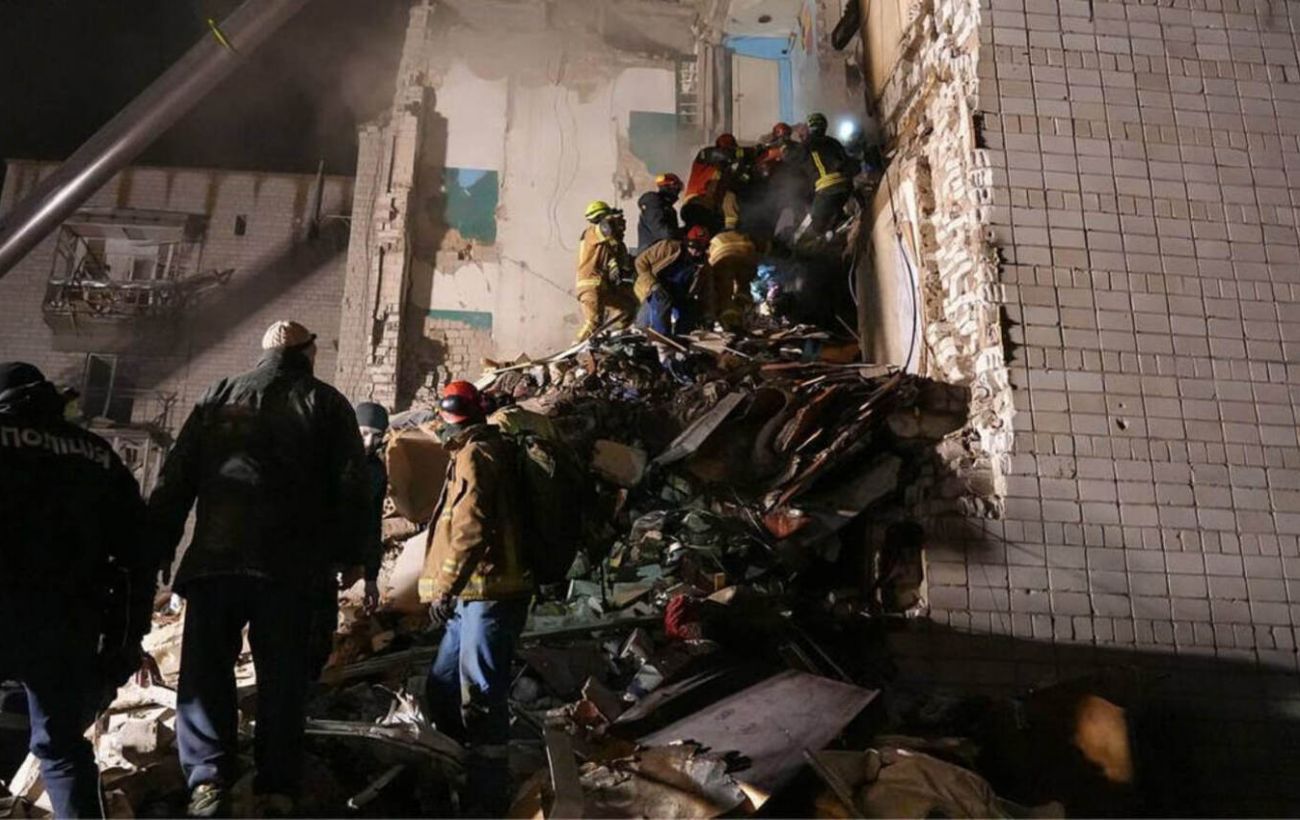
Search and rescue operations continue in Dymer: death toll rises to six
Rescuers have recovered the body of a sixth victim following a drone strike on a residential building in Dymer, Kyiv region.
 🏛️Politics
British Minister Hamish Falconer criticizes Trump's remarks on Putin
UK Minister Hamish Falconer has condemned Vladimir Putin as a 'butcher' and rejected the notion of friendship with the Russian leader, distancing the UK from Trump's rece…
 🚨Events
Shooting in Kharkiv: police investigate homicide
Police in Kharkiv are investigating the circumstances surrounding the death of a man discovered following reports of a shooting.
 💼Economy
USA considers security guarantee model for Ukraine based on NATO standards
Representatives of the Donald Trump administration are working on a new security architecture that may include providing Ukraine with guarantees similar to NATO's Article…
 ⚽Sport
Goal Fest in Serie A: Atalanta and Inter Draw in Thriller
In a thrilling 12th round match of the Italian championship, Atalanta and Inter played to a high-scoring 4-4 draw.
 👥Society
November 30: Commemorative dates and thematic events
The last day of autumn is filled with various events, ranging from religious holidays and professional days to international initiatives.