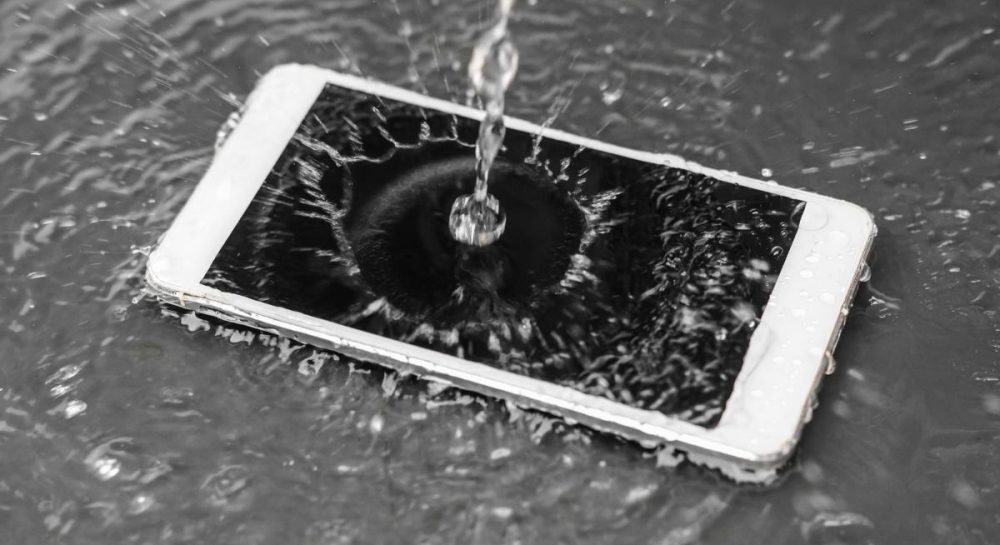
What to do if your smartphone falls into water: 4 common mistakes to avoid
Moisture ingress in a smartphone often leads to severe damage due to improper handling. Experts explain why popular drying methods can permanently destroy your device.
 💡Tech
Photo: UNIAN
Key points
- Hot air from hair dryers destroys adhesive bonds
- Rice dust clogs microphones and charging ports
- Charging a wet device causes short circuits
- Silica gel is a safer alternative for drying
Why you should avoid hair dryers and rice
Liquid entering a smartphone is a critical situation that requires careful action. Even devices with high-level protection standards like IP67 or IP68 can fail after prolonged contact with water or sugary drinks. Experts from BGR emphasize that attempts to 'resuscitate' a gadget with improvised methods often lead to expensive repairs.
One of the most dangerous mistakes is using a hair dryer or heating appliances. Hot air can deform the chassis, damage the display, and weaken the adhesive bonds holding the battery in place. Furthermore, heating turns residual moisture into steam, which penetrates even deeper into the internal electronics.
How to properly handle a wet device
The popular myth of using rice to save a phone is also harmful. Rice dust and starch clog speakers and ports, turning into a sticky mass when exposed to moisture. It is also strictly forbidden to connect a cable to a wet port, as this can trigger a short circuit.
- Turn off the device and remove the case.
- Remove the SIM card tray.
- Place the smartphone port-side down in a well-ventilated area.
- Use silica gel instead of rice to absorb moisture.
If the gadget has been in contact with salt or sugary liquid, wipe the chassis carefully with a microfiber cloth dampened with an alcohol solution. If the device malfunctions after drying, the only correct solution is to visit a qualified service center.
Source UNIAN — unian.ua/techno/gadgets/smartfon-upav-u-vodu-4-rechi-yakih-u-zhodno… ↗
Read next
 🧠AI Analysis
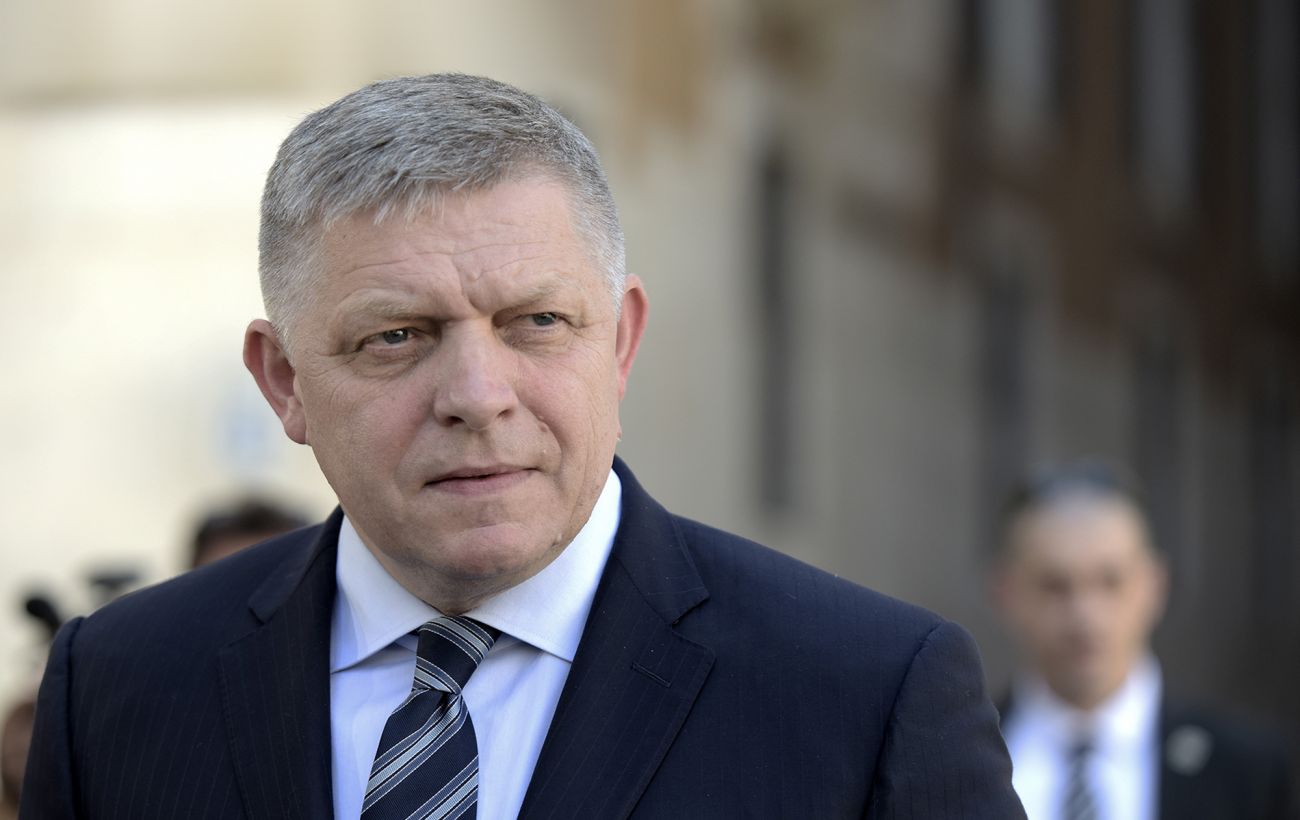
Slovakia refuses to join new €45 billion EU loan for Ukraine
Slovak Prime Minister Robert Fico announced that Bratislava will not participate in the European Union's new financial assistance program for Ukraine.
 🚨Events
Shooting in central Ivano-Frankivsk: police investigate the incident
On the evening of November 21, a shooting occurred on a pedestrian street in central Ivano-Frankivsk, leaving one man injured.
 ⚽Sport
Ukrainian Artem Stepanov breaks historic Utrecht record in the Netherlands
19-year-old Ukrainian forward Artem Stepanov scored his tenth Eredivisie goal for Utrecht, surpassing the legendary Dirk Kuyt's record.
 🛡️Security
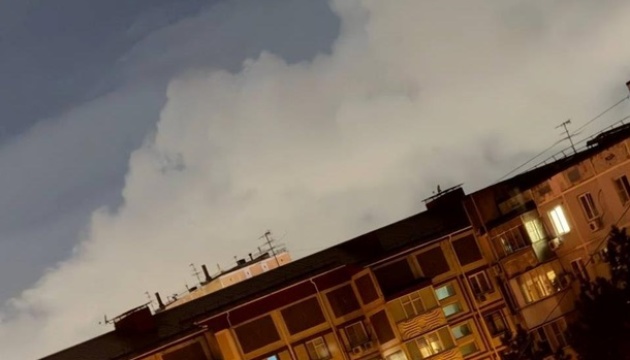
Russian National Guard Headquarters in Krasnodar Hit in Drone Attack
A fire broke out at the Russian National Guard headquarters in Krasnodar overnight on November 22 following a drone attack, causing temporary flight restrictions.
 🎭Culture & Sport
Kitchen Design Trends: Optimizing Space with Smart Solutions
Interior designers are moving away from bulky dining sets, favoring compact solutions that mimic the cozy atmosphere of a cafe.
 🛡️Security
Explosions and smoke reported near military facility in Krasnodar, Russia
Krasnodar experienced a drone attack on the night of November 22, resulting in smoke near a Russian National Guard facility.