Samsung Water Drop Icon: What It Means and How to Safely Dry Your Phone
An overview of the moisture detection alert on Samsung Galaxy devices and proper troubleshooting steps to fix the charging block.
 🎭Culture & Sport
Photo: UNIAN
Key points
- The water drop icon indicates moisture detection inside the Samsung USB-C port.
- Wired charging is automatically disabled by the system to prevent electrical damage.
- The manufacturer warns against using rice or hot hair dryers for drying.
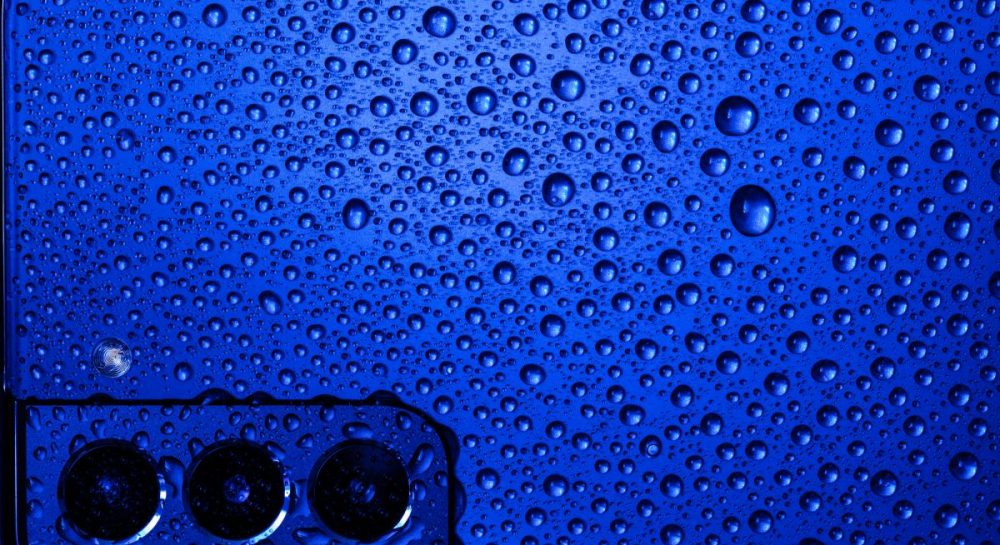
Users of Samsung Galaxy smartphones may occasionally encounter a specific warning icon featuring a water drop near the charging port area. This built-in safety mechanism is triggered when sensitive internal sensors detect moisture levels exceeding safety thresholds inside the USB-C port or casing. Although numerous modern models boast high water resistance ratings, they remain vulnerable to liquid damage, prompting engineers to implement automatic safeguards to protect internal microcircuits.
How to Properly Handle Moisture Warnings
Upon activation, the device temporarily disables wired charging functionality to prevent electrical short circuits and permanent hardware failure. The manufacturer notes that wireless charging remains a viable alternative as long as the exterior of the housing is completely dry. However, experts strongly advise against using traditional myths like placing a wet phone into a bowl of raw rice, which can introduce harmful dust and starch particles into the port.
Instead, users should gently wipe the exterior with a dry cloth and carefully shake the device five to ten times with the charging port facing downward. Directing a cool airflow from a fan toward the smartphone can accelerate evaporation, while using a heated hair dryer must be avoided to prevent thermal damage. If the notification persists after twenty-four hours, clearing the USB settings cache or inspecting the charging cable can help resolve potential software or accessory glitches.
Should the warning refuse to disappear due to persistent internal moisture or corroded contacts, utilizing a wireless charging pad is recommended before taking the device to an authorized repair center.
Source UNIAN — unian.ua/techno/gadgets/samsung-blokuye-zaryadku-shcho-oznachaye-zn… ↗
Read next
 🧠AI Analysis
How to Choose an Efficient Heater for Winter: A Comparison of Devices
Experts analyzed the efficiency and power consumption of convection heaters, oil-filled radiators, and fan heaters for home heating during the cold season.
 🛡️Security
Power supply restored in Sarny district following attack
Following a major blackout caused by a Russian strike on November 20, energy workers have restored electricity to over 50 settlements in the Sarny district.
 🛡️Security
Seven-year-old boy rescued after 14 hours under rubble in Dymer
Emergency services pulled a child from the ruins of an apartment building destroyed by an enemy drone in the Vyshhorod district.
 🛡️Security
Frontline update: 143 combat engagements and intense enemy airstrikes
The General Staff of the Armed Forces of Ukraine reported on the intensity of hostilities as of the evening of November 22, noting high activity of enemy aviation and dro…
 🇺🇦Ukraine
Estonia supports Ukraine's right to self-defense following incident in Gulf of Finland
Estonian Foreign Minister Margus Tsahkna stated that the strike on a Russian vessel is a consequence of Russian aggression, affirming Ukraine's right to defend itself.
 🛡️Security
Rescue operation in Dymer: elderly woman pulled from rubble, death toll rises
Search operations continue in the village of Dymer, Kyiv region, after a drone strike hit a residential building. Rescuers recovered the body of another victim, but manag…